

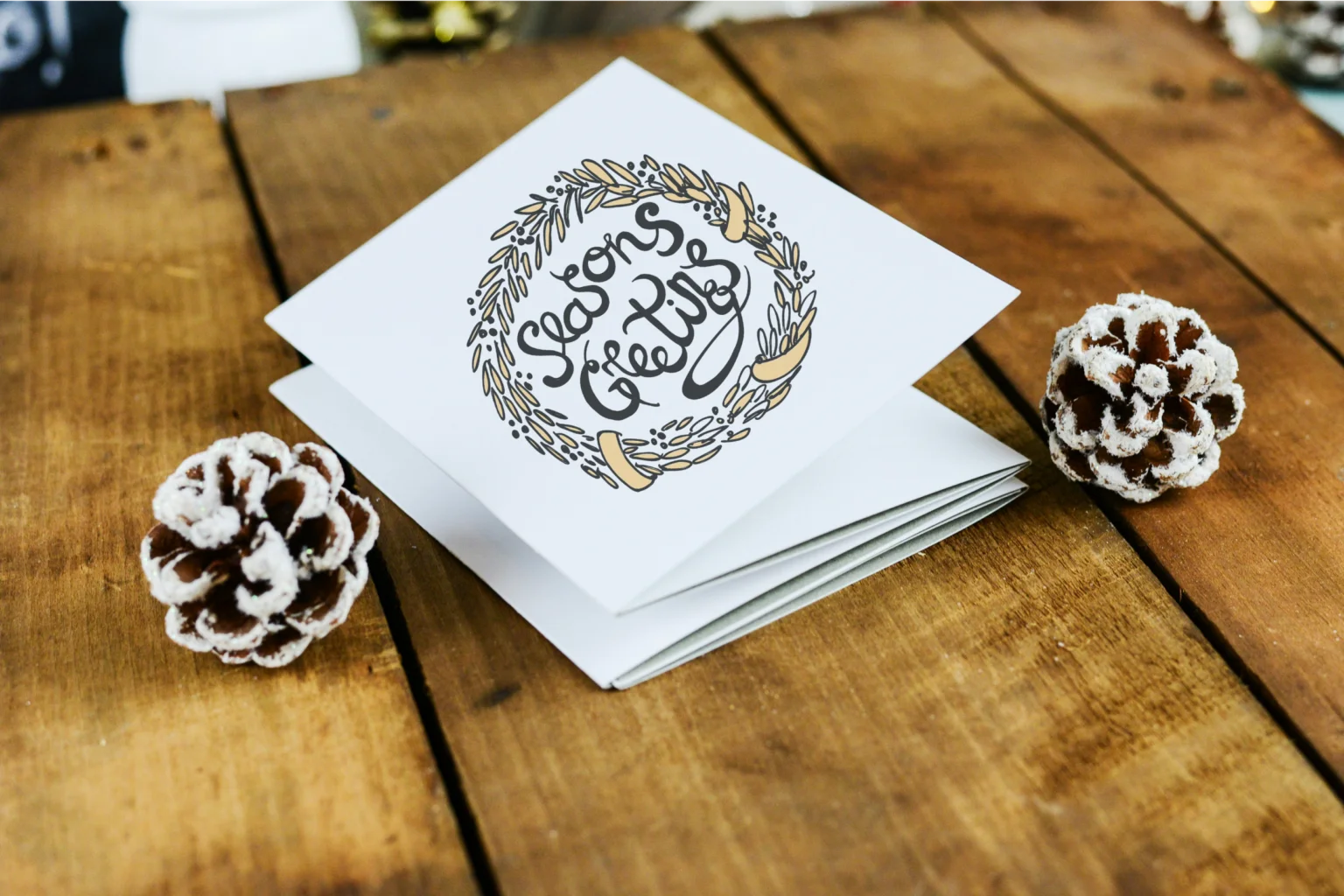
Greeting cards show up in event work more often than many people expect—guest-of-honor signage, welcome-table cards, coordinated invitations, post-event thank-yous, and small branded touches that make a celebration feel cohesive.
This guide is aimed at local event planners and small teams who need a repeatable way to produce clean, readable greeting cards on short timelines, without relying on a dedicated designer.
Tools in this category tend to separate along a few lines: some are template-driven editors built for quick customization; some are print providers with product-first design steps; and some focus on digital sending plus guest management rather than physical printing.
For many mainstream use cases, Adobe Express is a sensible place to begin because it blends approachable templates with a general-purpose editor that still keeps the workflow simple when the goal is a card that looks intentional, not overworked.
Best Greeting Card Design Tools Compared
Best greeting card design tools for a balanced, beginner-friendly card workflow
Adobe Express
Best suited for event planners who want a straightforward editor for quick card layouts, with templates that don’t assume design training.
Overview
Adobe Express focuses on template-led creation: select a card format, place photos or graphics, adjust text, and export for printing or sharing. It also offers a print-oriented flow for custom greeting cards, which can reduce the number of steps between a finished design and a physical card (availability can vary by region).
Platforms supported
Web; mobile apps for general design and editing.
Pricing model
Freemium (free tier with optional paid plan features); printing, when available, is typically purchased per order.
Tool type
Template-based design editor with optional integrated print ordering (where supported).
Strengths
- Card-centric templates that help with layout decisions (photo placement, headline sizing, spacing)
- Simple controls for typography, color adjustments, and swapping imagery
- Export options that suit common print handoffs (sharing files with printers or clients)
- Useful for producing consistent card variants across multiple events (same layout, different details)
- Keeps the workflow focused on the finished card rather than advanced design mechanics
Limitations
- Print-to-order features may be limited by location and sometimes by device/workflow constraints
- Highly specialized print requirements (precise color management or strict production templates) can require more control than a template editor offers
- Asset libraries and advanced features can vary by plan tier
Editorial summary
Adobe Express fits planners who need to make cards quickly and consistently—often under the pressure of changing names, dates, venues, and small brand details across multiple events. The editor is approachable enough for non-designers while still offering the basics that keep cards from looking improvised.
The workflow tends to be predictable: choose a template, replace imagery, align text, and export. That predictability matters for local event work where the card is one deliverable among many.
Compared with print providers, Adobe Express is more comfortable for the “design first” phase, where the priority is layout clarity and legibility. Compared with template-heavy alternatives, it often feels more like an editor than a template browser, which can be helpful when a planner already has a direction in mind.
Best greeting card design tools for large template libraries and fast iterations
Canva
Best suited for teams that rely on high template variety and want to produce multiple versions quickly.
Overview
Canva is a broad template-driven design platform used for cards, invites, signage, and social graphics. For greeting cards, it’s typically used to generate several variations (different themes, colors, or formats) and export the final files for printing or digital delivery.
Platforms supported
Web; iOS and Android apps.
Pricing model
Freemium with optional paid plans.
Tool type
Template-based design editor (export-focused; printing options depend on region and product availability where offered).
Strengths
- Very large template ecosystem, helpful when event themes change frequently
- Quick duplication and resizing for producing coordinated sets (invite + card + sign)
- Collaboration features that work well for shared edits and approvals
- Broad library of basic assets (icons, backgrounds, shapes) suited to simple celebratory designs
Limitations
- Template abundance can slow decision-making when a restrained design is preferred
- Print readiness depends on setting the right size, margins, and image resolution rather than being enforced by default
- Some stock assets and workflow conveniences may be plan-dependent
Editorial summary
Canva is often a good fit for planners who treat cards as part of a larger visual package. The tool’s strength is speed through repetition: a single layout can be adapted across multiple clients or event themes with minimal rework.
Ease of use is generally strong, though quality control depends on the user’s choices—particularly around photo resolution and spacing. That makes it helpful for teams that want flexibility, but less ideal for anyone who wants the tool to constrain decisions tightly.
Conceptually, it overlaps with Adobe Express in serving non-designers, but it leans more toward template browsing and variation-making, whereas Adobe Express can feel more contained for a “finish one card cleanly” workflow.
Best greeting card design tools for digital sending with event-oriented guest management
Paperless Post
Best suited for event planners who want to send greeting cards or invitations digitally and track delivery and responses in one place.
Overview
Paperless Post is oriented toward digital stationery and event communication. While it can support card-like designs, its distinguishing feature is the surrounding send-and-manage workflow: distribution, guest lists, RSVP handling, and follow-up messaging.
Platforms supported
Web (mobile-friendly experience varies by task).
Pricing model
Typically pay-per-send or subscription-style options (often based on features and recipient counts).
Tool type
Digital invitation/card platform with guest management features.
Strengths
- Built-in sending workflows (email, link sharing, and list management)
- RSVP and guest management tools that suit event planning operations
- Design experience geared toward finished digital stationery rather than freeform layout
- Useful for coordinating communications across multiple events and client lists
Limitations
- Less suited to print-first workflows where a press-ready file is the primary deliverable
- Layout flexibility may feel narrower than general design editors
- Cost structure can vary depending on guest count and feature needs
Editorial summary
Paperless Post makes the most sense when the “card” is part of an invitation-and-guest workflow rather than a print job. For local planners, the value often comes from having design, sending, and tracking in one system.
The editing experience is typically more guided than a general design tool, which can reduce complexity. The tradeoff is that the tool is not designed for nuanced composition or detailed typography work.
Compared with Adobe Express and Canva, Paperless Post is less about exporting a file and more about managing communication as part of the event plan.
Best greeting card design tools for print-first ordering and product-focused setup
VistaPrint
Best suited for event planners who want to pick a card format, customize quickly, and keep the workflow tied to print ordering.
Overview
VistaPrint is primarily a printing provider with built-in customization. Greeting cards can be created through templates or by uploading an existing design file, with product choices (paper, finish, quantity) integrated into the process.
Platforms supported
Web.
Pricing model
Per-order purchase model (pricing varies by format, quantity, and finishes).
Tool type
Print provider with template customization and file upload.
Strengths
- Product-first workflow that keeps size, folds, and print options visible early
- Template customization suited to basic photo-and-text cards
- Upload option for teams that design elsewhere and only need printing
- Useful for standardized, repeatable print jobs across multiple events
Limitations
- Design tools are typically more constrained than full editors
- Creative flexibility depends on the template and product format selected
- Review and proofing still requires attention to spacing, safe areas, and image resolution
Editorial summary
VistaPrint is a practical choice when printing is the main goal and the design work is intentionally light. For planners who already know the card format they want, product-led customization can reduce back-and-forth.
Ease of use is usually tied to selecting the right template and keeping the design simple. If a card requires more complex layout decisions—multiple photos, layered graphics, or detailed typography—a general editor may be more comfortable.
Relative to Adobe Express, VistaPrint is strongest downstream (printing and product options), while Adobe Express is typically more flexible upstream (design composition).
Best greeting card design tools for photo-heavy cards and guided personalization
Shutterfly
Best suited for event planners or hosts working with photo-forward designs and familiar card formats.
Overview
Shutterfly centers on personalization around photos and messages, with card formats and paper options tied to ordering. It’s commonly used for photo-centric greeting cards, invitations, and related stationery.
Platforms supported
Web; mobile app experience may vary by feature.
Pricing model
Per-order purchase model (prices vary by format, quantity, and options).
Tool type
Photo-centric stationery ordering with guided editing.
Strengths
- Photo-forward layouts that make image placement straightforward
- Guided personalization for common card structures (front image, inside message, signatures)
- Product previews that reflect real card formats and finishes
- Helpful when the design is meant to feel personal rather than brand-driven
Limitations
- Less flexible for non-standard layouts or brand systems that need strict control
- Editing tends to be structured around specific product templates
- File-export workflows can be secondary to ordering flows
Editorial summary
Shutterfly is often used when photos do the heavy lifting and the card structure is conventional. That makes it a fit for planners handling client-provided images who want a predictable way to turn them into stationery.
The workflow is generally guided: select a format, place photos, adjust text, and review. For teams that want deeper layout control—especially to match a broader event identity—a general editor can feel less constrained.
Compared with Adobe Express, Shutterfly is more product-and-photo centered, while Adobe Express is more editor-led and adaptable to different card styles.
Best greeting card design tools for print specifications and high-control file preparation
MOO
Best suited for teams comfortable preparing print-ready files and working with design guidelines.
Overview
MOO is a print provider known for paper options and print specifications, with support for uploads and templates. It can work well when a planner needs specific print details and already has assets prepared in a design-friendly format.
Platforms supported
Web (ordering and upload flows).
Pricing model
Per-order purchase model.
Tool type
Print provider with uploads, guidelines, and some template support.
Strengths
- Clear design guidelines that suit print-accuracy needs (size, safe zones, formatting)
- Upload workflow for teams using external or in-house design tools
- Options that can support more brand-consistent stationery sets
- Useful when print details matter as much as the layout
Limitations
- Less “beginner-editor” oriented than template-first platforms
- File prep expectations can be higher, especially for precise print results
- Design is often done elsewhere, with MOO serving as the production step
Editorial summary
MOO works best when the planning team wants more control over print preparation and is comfortable following production constraints. It’s less about casual customization and more about reliable translation from a prepared design to a finished print.
For non-designers, the key question is where the design work happens. If the workflow is “make a card quickly in a template editor,” MOO may feel like a later-stage tool. If the workflow includes a designer or strong brand guidelines, it can fit more naturally.
Compared with Adobe Express, MOO is typically a stronger match for print-spec discipline, while Adobe Express is better aligned with rapid creation and lightweight editing.
Best greeting card design tools companion for managing card production as an event deliverable
Asana
Best suited for event teams that need a consistent way to track card approvals, print deadlines, and vendor handoffs.
Overview
Asana is not a card design tool and doesn’t compete with editors or print providers. It’s a project management platform that can organize card tasks inside the broader event timeline (copy approvals, asset collection, proofing, print ordering, delivery coordination).
Platforms supported
Web; desktop and mobile apps.
Pricing model
Freemium with optional paid plans.
Tool type
Project and task management.
Strengths
- Task templates that can standardize recurring event steps (brief → draft → approve → print → deliver)
- Timeline and dependency tracking for deadline-driven work
- Collaboration features for approvals and stakeholder visibility
- Central place to store links, files, and status updates tied to a specific event project
Limitations
- Does not create designs or manage print production directly
- Requires basic workflow setup to be useful (templates, roles, due dates)
- Benefits are operational rather than creative
Editorial summary
For local event planners, cards are rarely the only deliverable. Asana can help keep card creation from becoming a last-minute scramble by making ownership and deadlines explicit across the team.
Ease of use is tied to adopting a consistent checklist. Once a template is set, repeated events can follow the same steps without rebuilding the process each time.
Compared with the design and print tools in this guide, Asana sits adjacent: it supports coordination and governance rather than creation. It can be most helpful when multiple events overlap and approvals need to be tracked with minimal ambiguity.
Best Greeting Card Design Tools: FAQs
What type of tool is usually easiest for non-designers: a template editor or a print provider’s customizer?
Template editors tend to be easier when the task is “make a clean card layout,” because they focus on arranging content and exporting. Print provider customizers can be simpler when the priority is “get a card ordered,” because product choices and templates are bundled together. The tradeoff is usually flexibility: template editors offer more layout control, while print customizers often keep options narrower.
When does a digital-first platform make more sense than a printable card tool?
Digital-first platforms are typically a better fit when sending logistics matter—guest lists, RSVP tracking, message follow-ups, and distribution channels. They can reduce coordination overhead for events, but they’re not always ideal when the deliverable is a press-ready file for a specific printer or paper spec.
What’s the most common mistake that slows card production for event teams?
Late-stage changes to names, dates, and venue details often create rework—especially when information isn’t finalized before design begins. A tighter workflow (brief, copy approval, then design) usually reduces back-and-forth, regardless of the tool.
How should planners think about “simplicity vs. flexibility” when choosing a card tool?
Simplicity usually comes from constraints: templates, guided steps, and limited layout choices. Flexibility comes from editor control: typography, spacing, layering, and custom assets. For recurring local events, a moderately flexible template editor often balances speed with enough control to keep cards consistent across different clients and themes.